
Alt-Space Overlay Covers Active Window by Default - No Off Switch
The Alt-Space overlay covers the active window by default. Users who want the old shortcut wait at a numbered ticket window; there is no off setting.
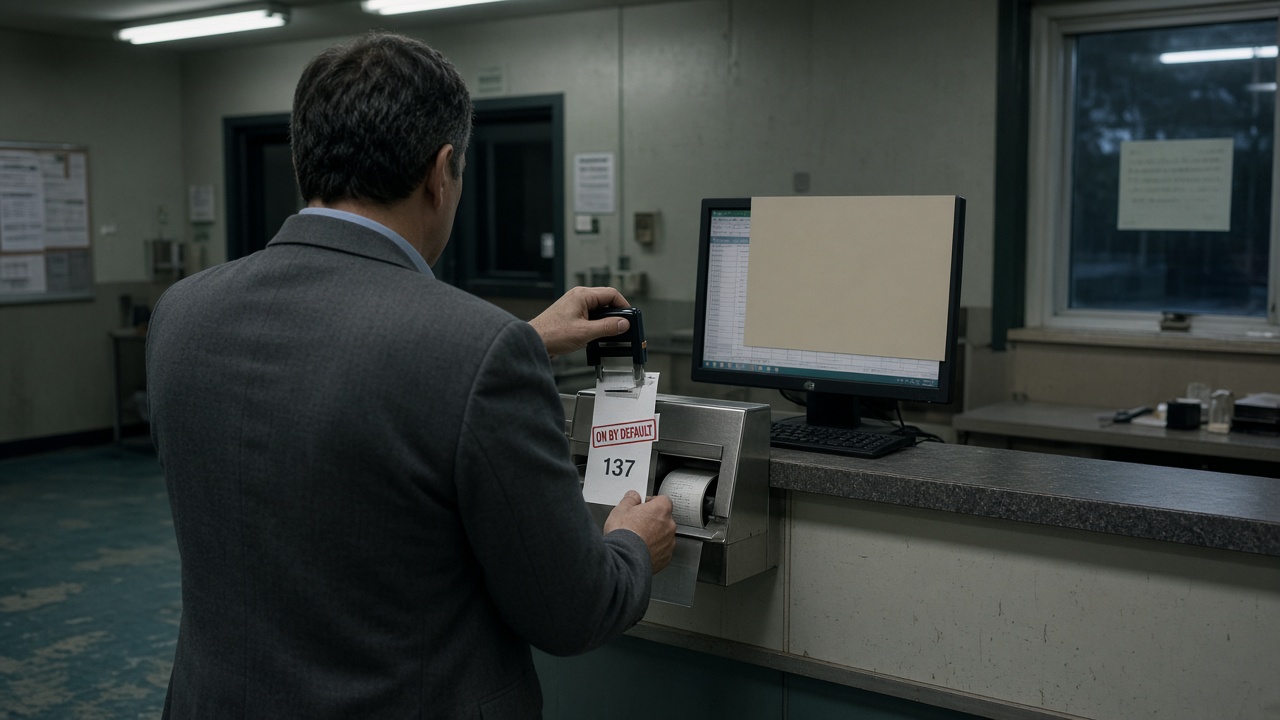
TACOMA, Wash. - The Keyboard Occupancy Desk said Saturday that an overlay opened with Alt-Space may cover the active window by default. There is no user setting to release the shortcut. Staff who want the old key combination take a numbered ticket at the side window.
Counsel for the desk, Rita Colm, said the overlay is entered as occupied when an administrator leaves the control in its factory position. "A hotkey that still opens a menu is a claim on a line we have already assigned," Colm said. "The ticket is for the wait. It does not move the overlay."
A circular effective 15 September posts the shortcut as taken on every workstation where the administrator has not filed a written exception. The clerk stamps ON BY DEFAULT on the ticket stub. A screenshot of the covered window is filed in the cloakroom and is not shown at the counter.
An analyst at the Institute for Foreground Windows said two offices in Pierce County had already set out ticket dispensers after desktop overlays began opening over spreadsheets. "A laboratory asked whether a user preference buried in a submenu could stand in for the off switch," the analyst said. "The desk said the factory position is the occupancy."
Exceptions are accepted only on paper and only from the administrator of record. Colm said the desk does not plan to print an off switch for the person at the keyboard. "If the window were still theirs," she said, "the ticket roll would be unused."